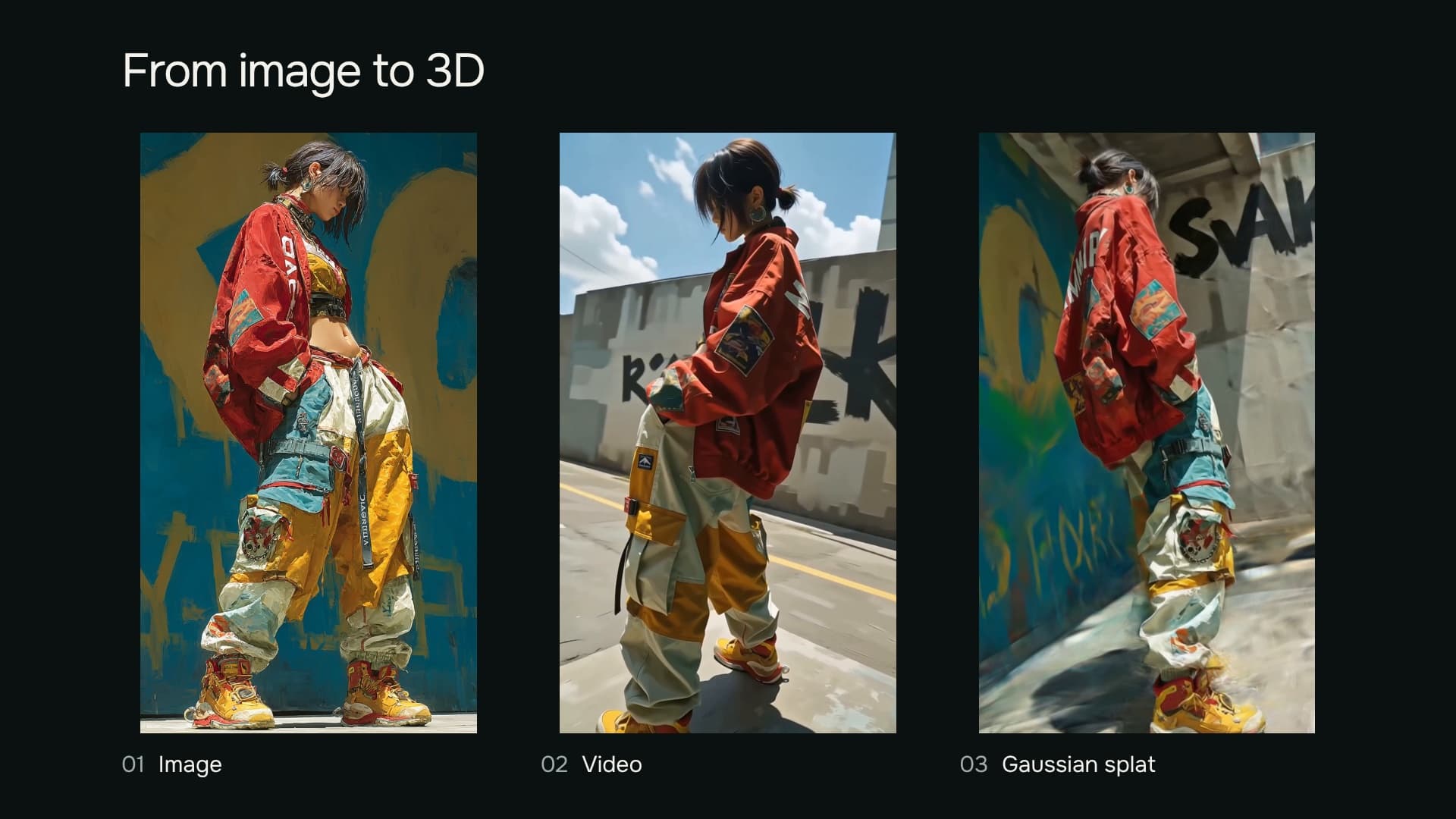
I explored the same workflow with a painted character, a film still and a sunlit room: generate a camera video, then reconstruct a scene you can turn and explore in the browser.
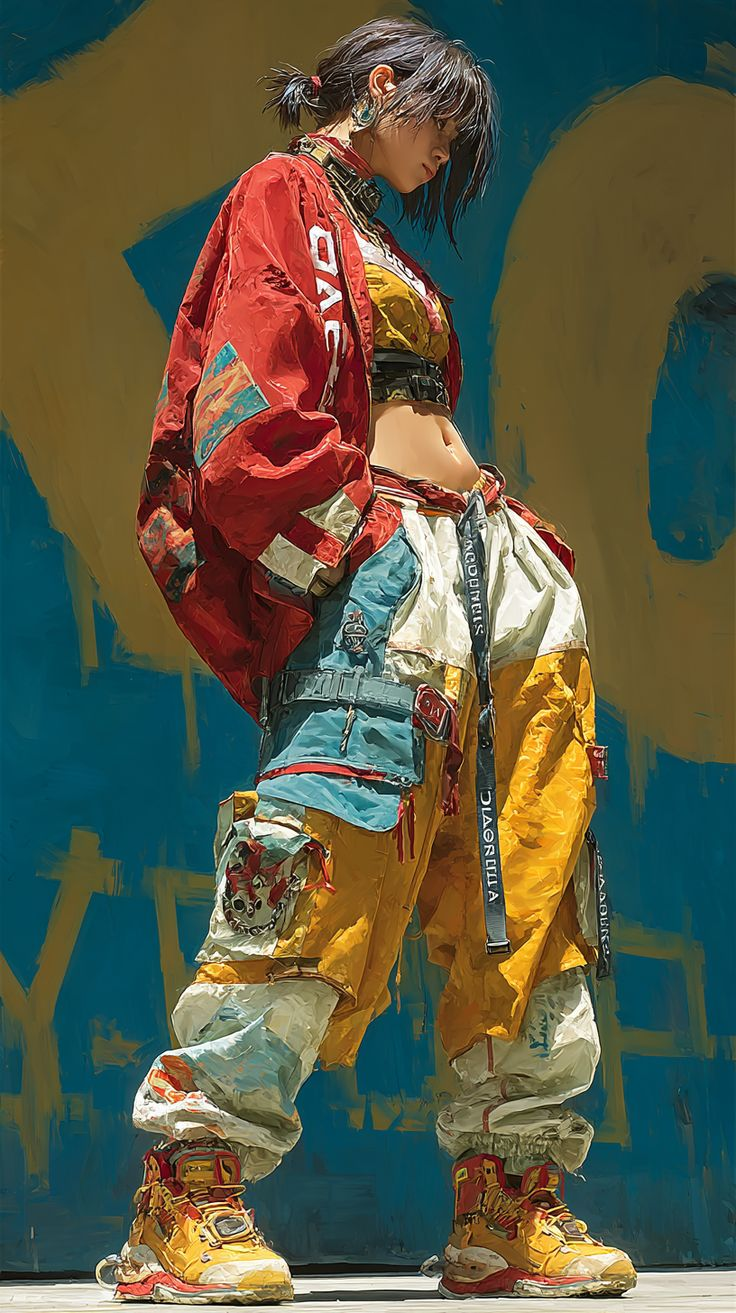
Painted character
From a frame to a scene
The original image sets the outfit, palette and atmosphere. A generated camera move extends it into new viewpoints. I recover those cameras and fit a scene from overlapping coloured points: the Gaussian splat. The browser can then render its own views.
The film shows all three stages. Below, the divider compares a video frame with the reconstruction from the same camera and lens. Change the view to inspect the turn.
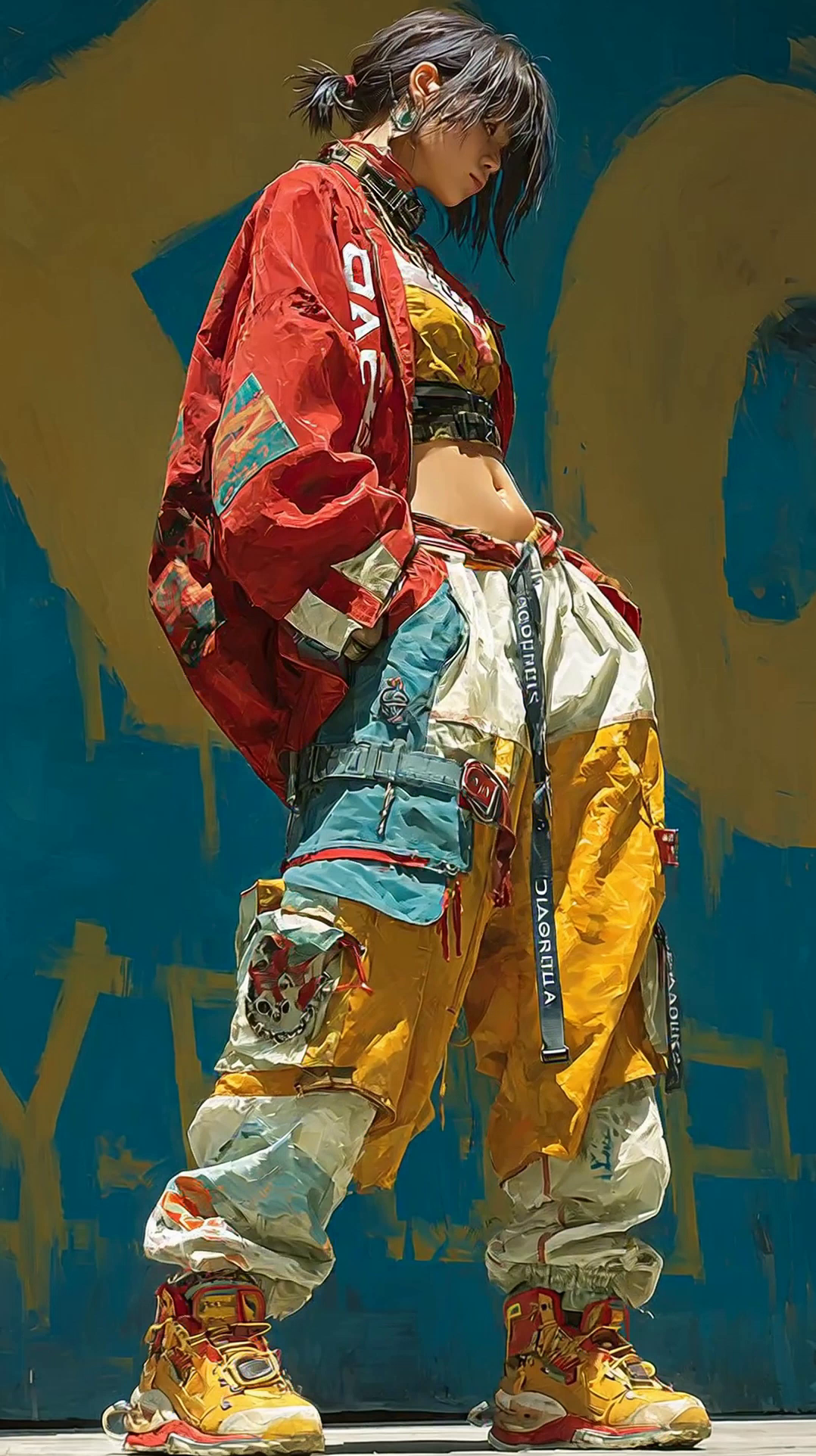
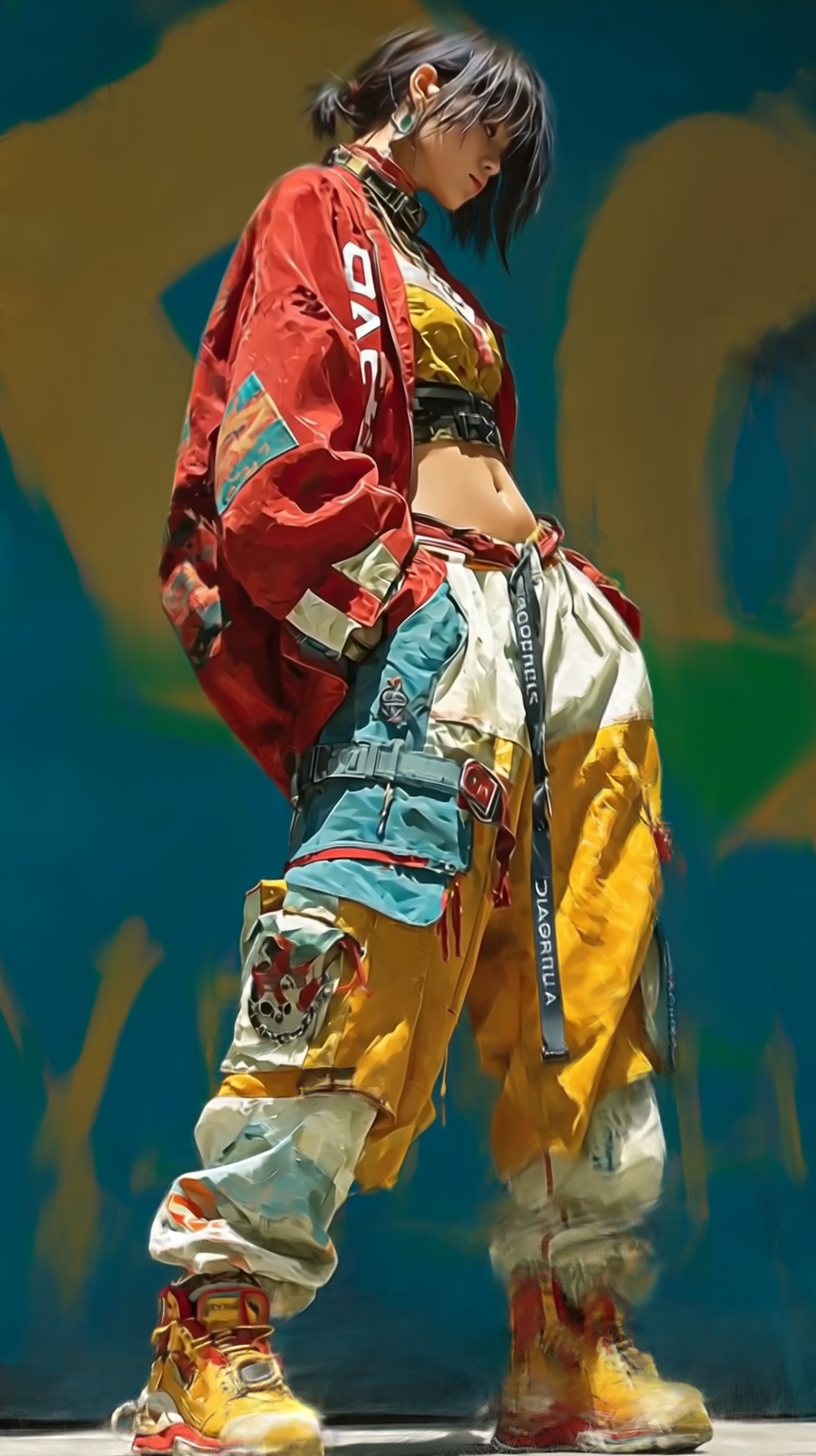
Drag the divider. Video and 3D use the same camera position. 0.00 s
A film still with depth
The street study starts with soft background focus, film grain and a muted green palette. The camera move opens up the street around the figure. Ten matching viewpoints show how the reconstruction carries that atmosphere through the turn.
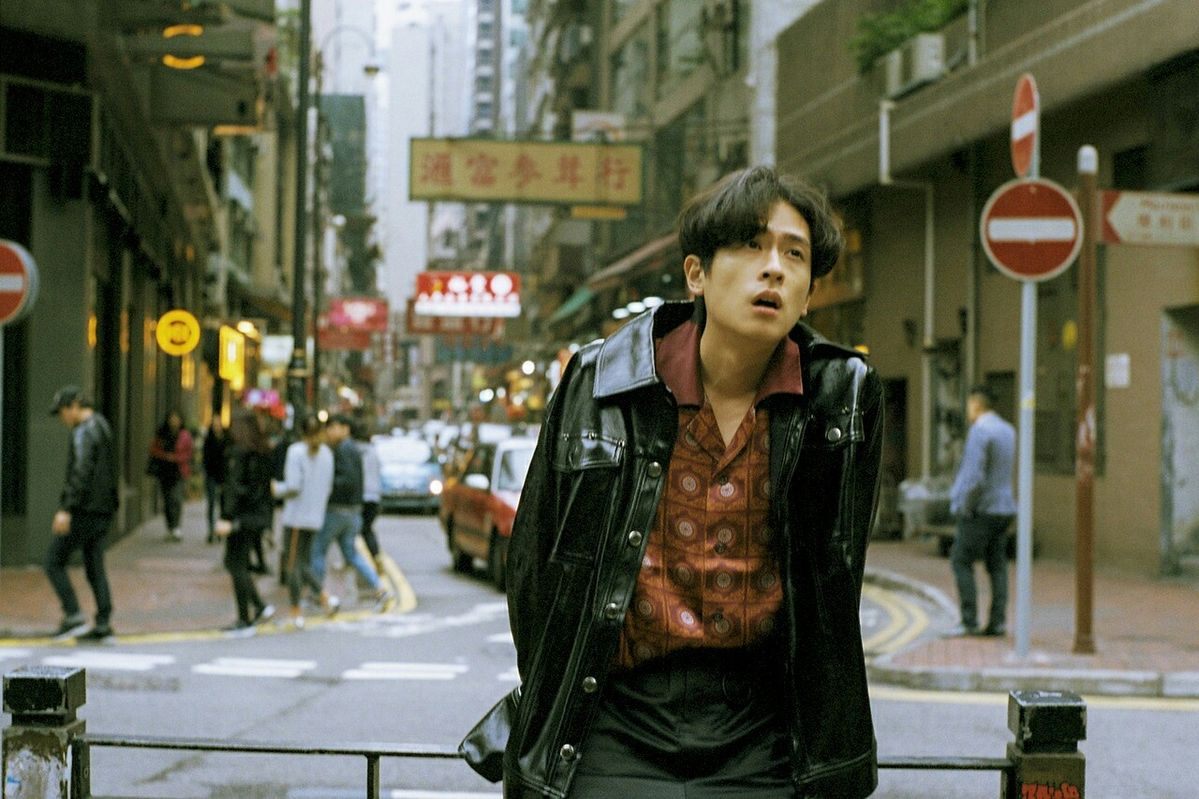
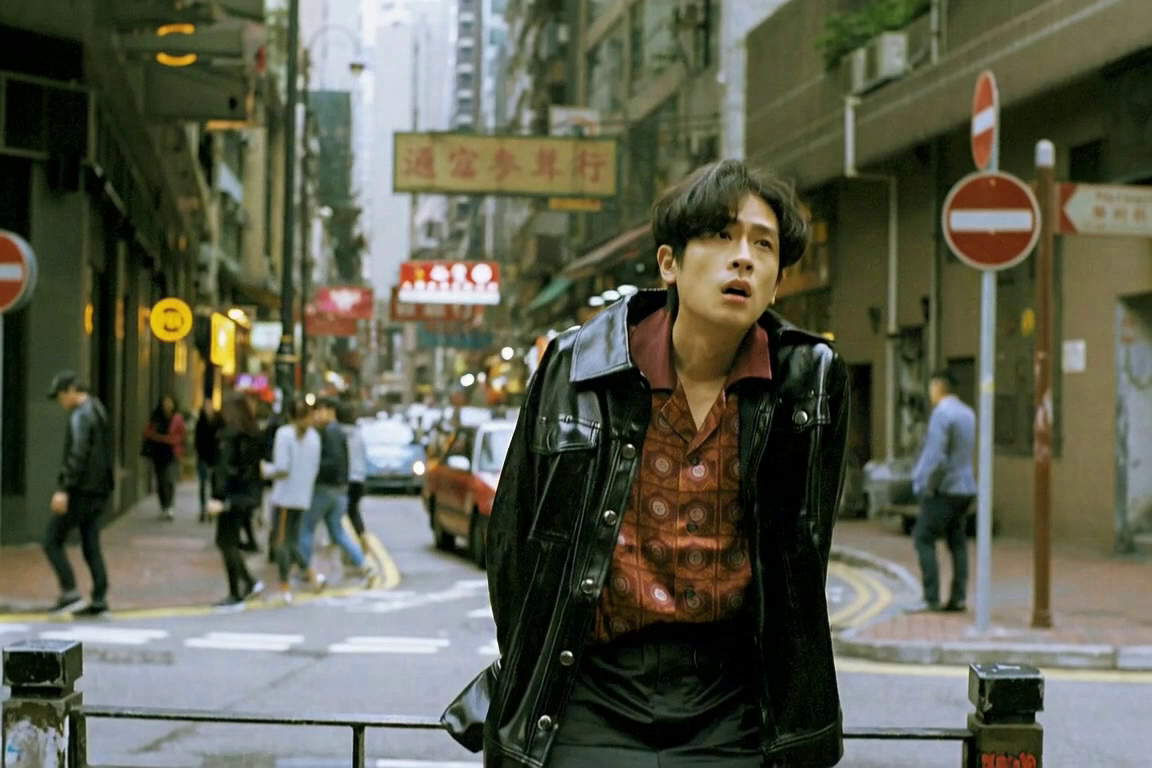
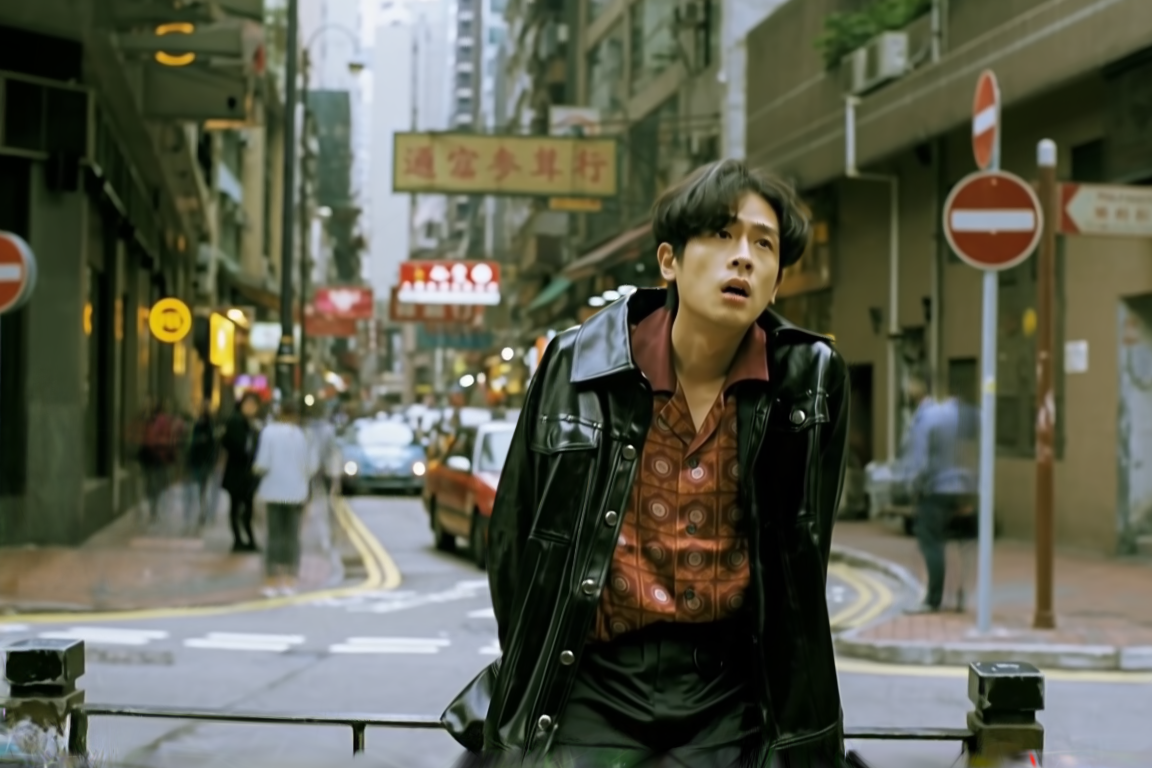
Drag the divider. Video and 3D use the same camera position. 0.00 s
Keeping the moment still. I compared two generation approaches. Camera controls steadied the framing, but pedestrians continued moving despite the frozen-scene prompt. Their changing positions make a stable reconstruction harder: the camera needs different views of the same moment.
A room you can look around
The library brings a different challenge: plants, shelving and furniture surround the camera. I kept the interactive tour inside the room and checked the window frames and foliage throughout the turn. Twelve matching views compare the video with the selected reconstruction.
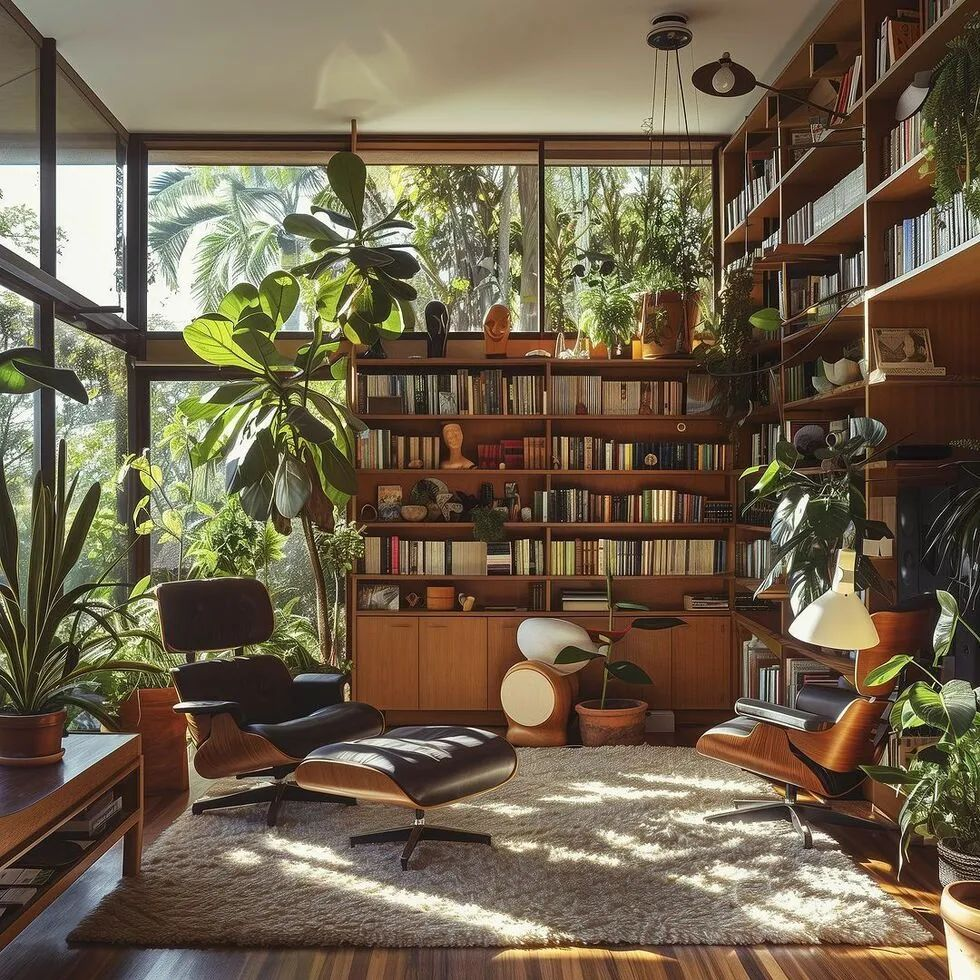
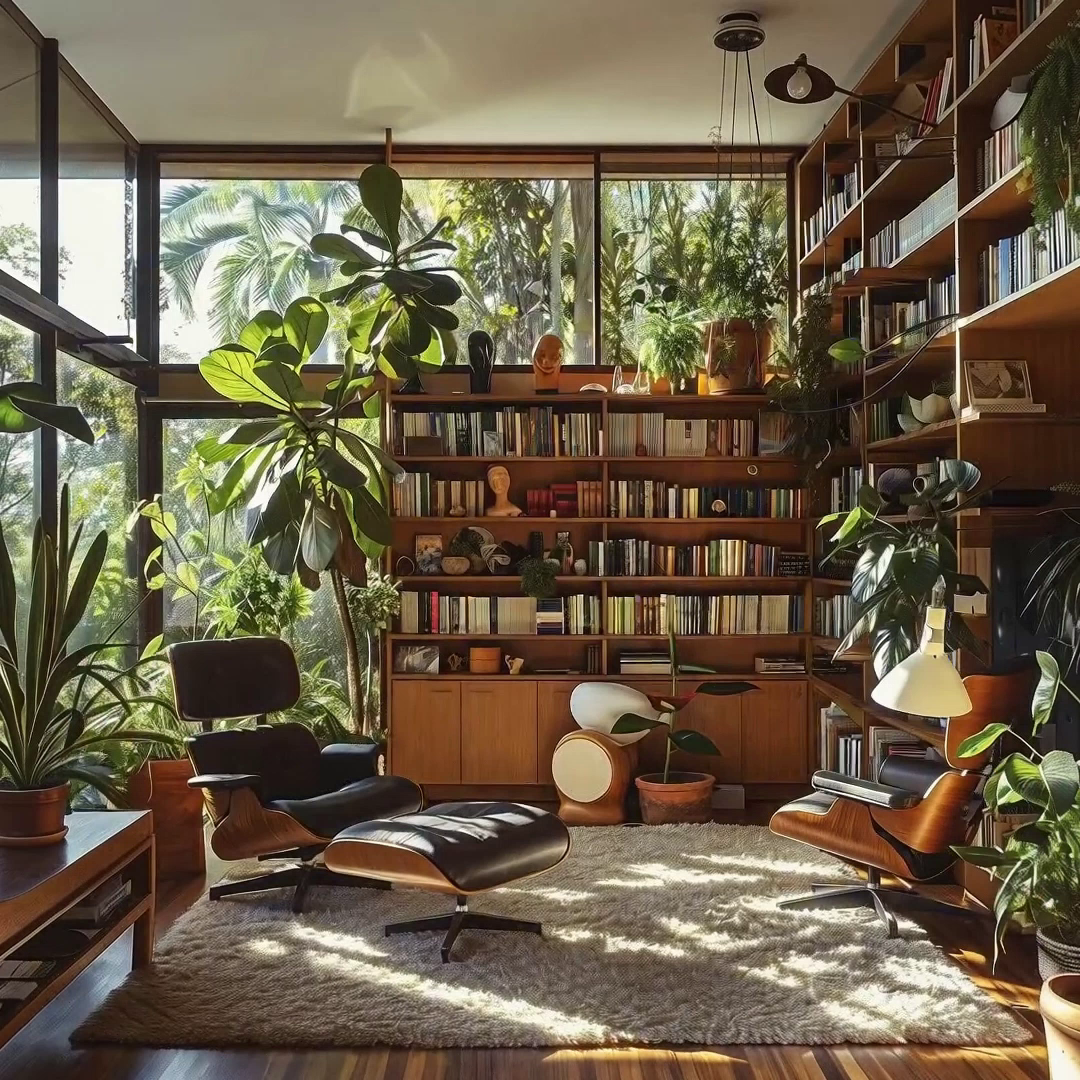
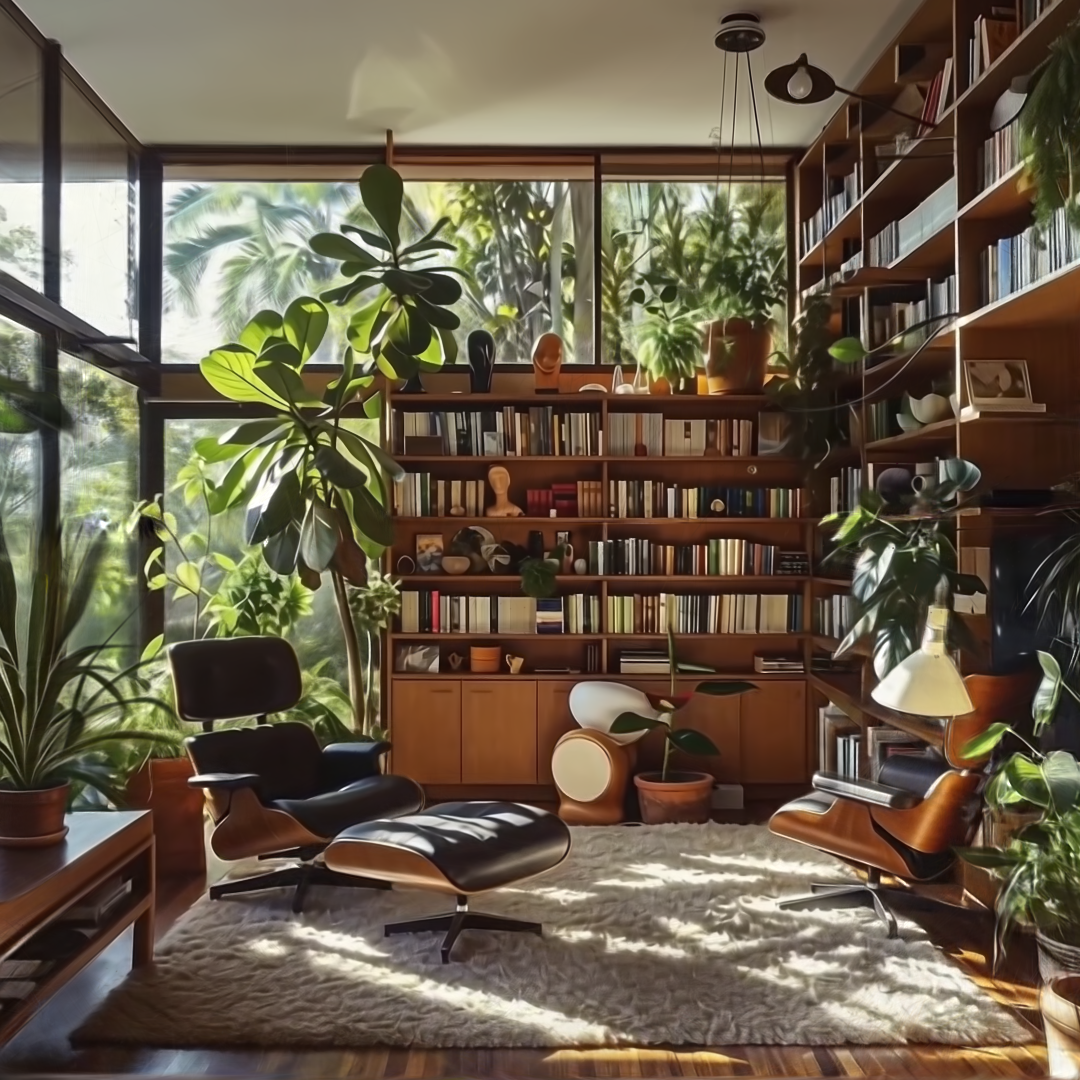
Drag the divider. Video and 3D use the same camera position. 0.00 s
Finding room for the camera. I tested a full orbit, a smaller arc and an inward-moving turn to balance shelf clearance with coverage. Turning exposed doubled window frames and foliage in reconstructions that looked convincing from other angles. Rebuilding the camera solution and fitting the scene again substantially reduced that overlap.
Where this could be useful
Fashion. Turn a campaign illustration into an interactive editorial, a collection teaser or a spatial lookbook. Explore a silhouette and its setting before committing to a shoot.
E-commerce. Give a product story more depth with a scene customers can explore, then derive camera clips for a landing page or launch. For an exact product view, I would start with verified product photography from several angles.
Automotive. Extend a concept image into a vehicle reveal, an interactive campaign scene or an early showroom direction. A captured or CAD-based vehicle would provide the reference when bodywork, wheels and lighting details need to stay exact.
Interiors. Turn a room concept into a short spatial walkthrough. The library above explores a slow camera path kept inside the room.
What I learned
Choosing the scene is part of the work. A video model can interpret people, foliage or loose clothing as cues for movement. Getting the scene to hold still while the camera moves takes iteration, with separate checks of the generated video, recovered cameras and reconstruction.
Consistent views mattered more than simply training longer. Recovering a denser camera sequence improved the reconstruction; additional fitting was useful once that foundation held.
Still images were only part of the check. I compared twelve video frames with native renders at matching poses, then inspected a complete turn in both directions. Turning revealed thin foreground layers that looked harmless from other angles.
Targeted cleanup and a final colour fit improved the result while keeping the established geometry. I kept the original illustration untouched throughout.
The homepage turn is rendered frame by frame at 60 fps. The camera advances evenly, even when an individual frame takes longer to render.
What I would test next
- Scene selection and stillness: compare scenes with fewer moving elements and test short camera moves before committing to a full orbit and long reconstruction.
- More controlled views: add front, side and rear references to preserve details across the generated turn.
- Camera refinement: test joint camera and scene optimization to reduce doubled edges and improve alignment.
- Fine-detail reconstruction: compare refinement settings around hair, straps and shoe contacts, using the same matched views and full-turn checks.
Credits and workflow
Original images were supplied for these studies; their creators have not yet been identified. If you know who made the illustration, film still or room image, please get in touch so I can credit them.
Workflow, reconstruction and browser presentation: Leo Hoesl. Video generation with MiniMax H3; reconstruction with Brush; browser rendering with Spark and Three.js; explainer edited in Video Forge. The method builds on 3D Gaussian Splatting.
All three studies and detailed comparisons · Download the reproducible workflow